Sora Reading App

Children can use the FANTASTIC (and FREE) Sora Reading App to instantly enjoy hundreds of books and audiobooks on a phone, tablet or computer. Please follow the steps below to enjoy books whenever or wherever you like!
STEP ONE: Download Sora, by OverDrive Education for FREE on the Apple or Google Play app store. Or you can Visit the website HERE.
STEP TWO: Select Hampshire School Library Service and search for Roman Way Primary School.
STEP THREE: Enter children's ID Number and Password. (Found on the Sora sticker in Reading Diaries!)
STEP FOUR: Explore the collections or use Search to find books by a certain author or theme.
STEP FIVE: Found a good book? Tap on a cover to learn more or tap the Borrow button!
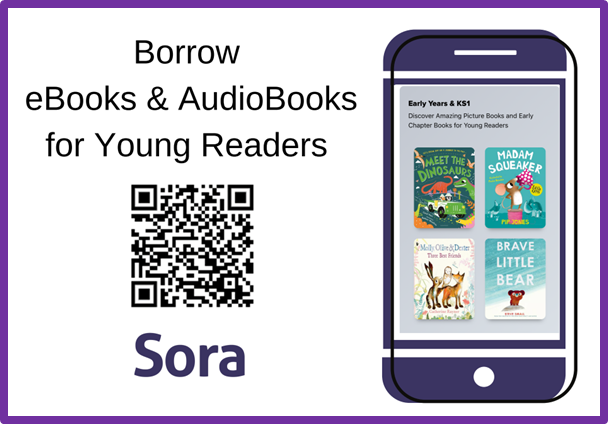
Using Sora With Your Child 2024
Need more help? Our friends at the Hampshire School Library Service have made a video guide. Please have a watch!